A library that grows with you
Keep custom designs in your Asset Vault. Bring public designs into your library and make them your own.
Made for your photo booth
Bring your screens, photo layouts and events together. Prepare the details before the party starts.
Currently in development. iPad support is on the way.

From planning to party
Choose your screens and photo layouts. Save your favorites in your Asset Vault.
Pick the experiences and designs, then publish the setup for your booth.
Open the event in the Boothio app. Check your camera and printer before welcoming guests.
Your creative space
Create welcome, capture and sharing screens, plus photo layouts. Start with a public design or build your own.
Explore your Asset Vault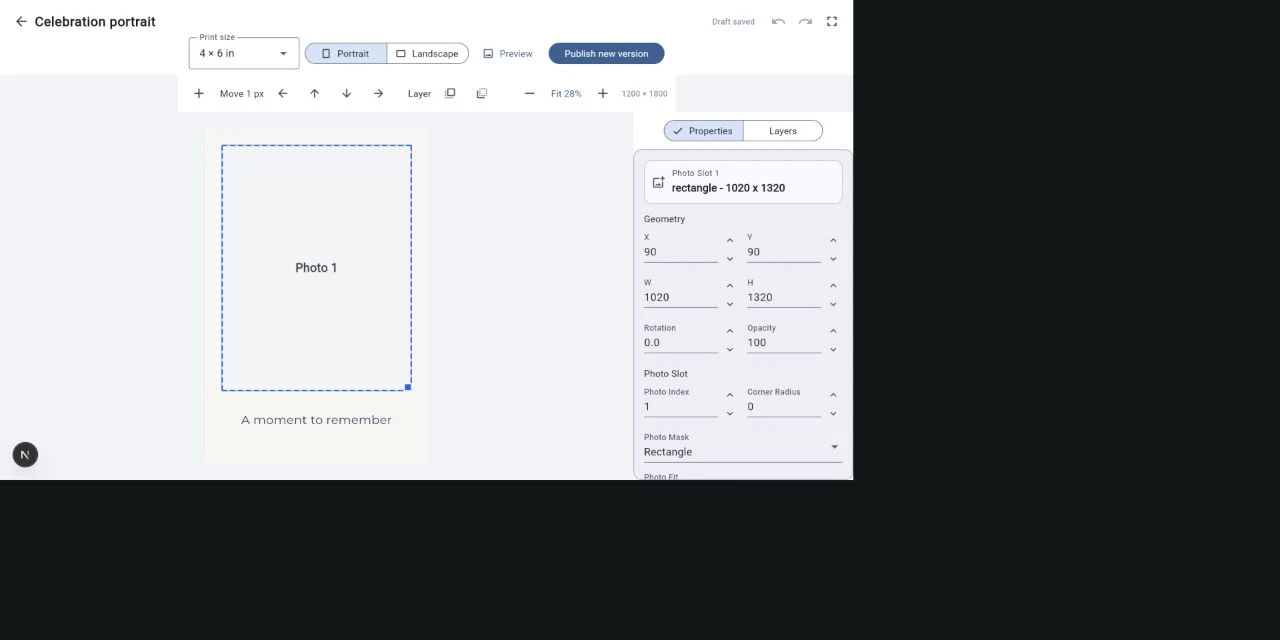
Keep what works
Keep the creative work you love, then make it fit the next celebration.
Keep custom designs in your Asset Vault. Bring public designs into your library and make them your own.
Create reusable LED profiles in the Boothio app and choose a look for each event. Requires a compatible controller.
Keep screens, templates and their assets together in an event design package.
Create and organize designs, choose the experiences for an event, and publish its setup. Camera and printer setup belong in the Boothio app at the booth.
iPad support is in development. The current app is being developed on Windows. iPad and connected camera and printer support still need testing before release.
No. Start with a design from Public Assets, save a copy to your Asset Vault, and customize it. You can also create a screen or photo layout from scratch.
New pricing tiers are being finalized. Existing customers can see their current subscription in Account. For questions, contact us.
Your next celebration